
Chilli goes wherever your day takes you
In the car, at home, on the terrace or at your desk, there’s a way to tune in that suits how you live. Pick yours below.
On the radio, at home or on the road
On DAB+, search for Chilli FM. On FM, tune to your nearest frequency and save it to your presets, so you stay with us as you move along the coast.
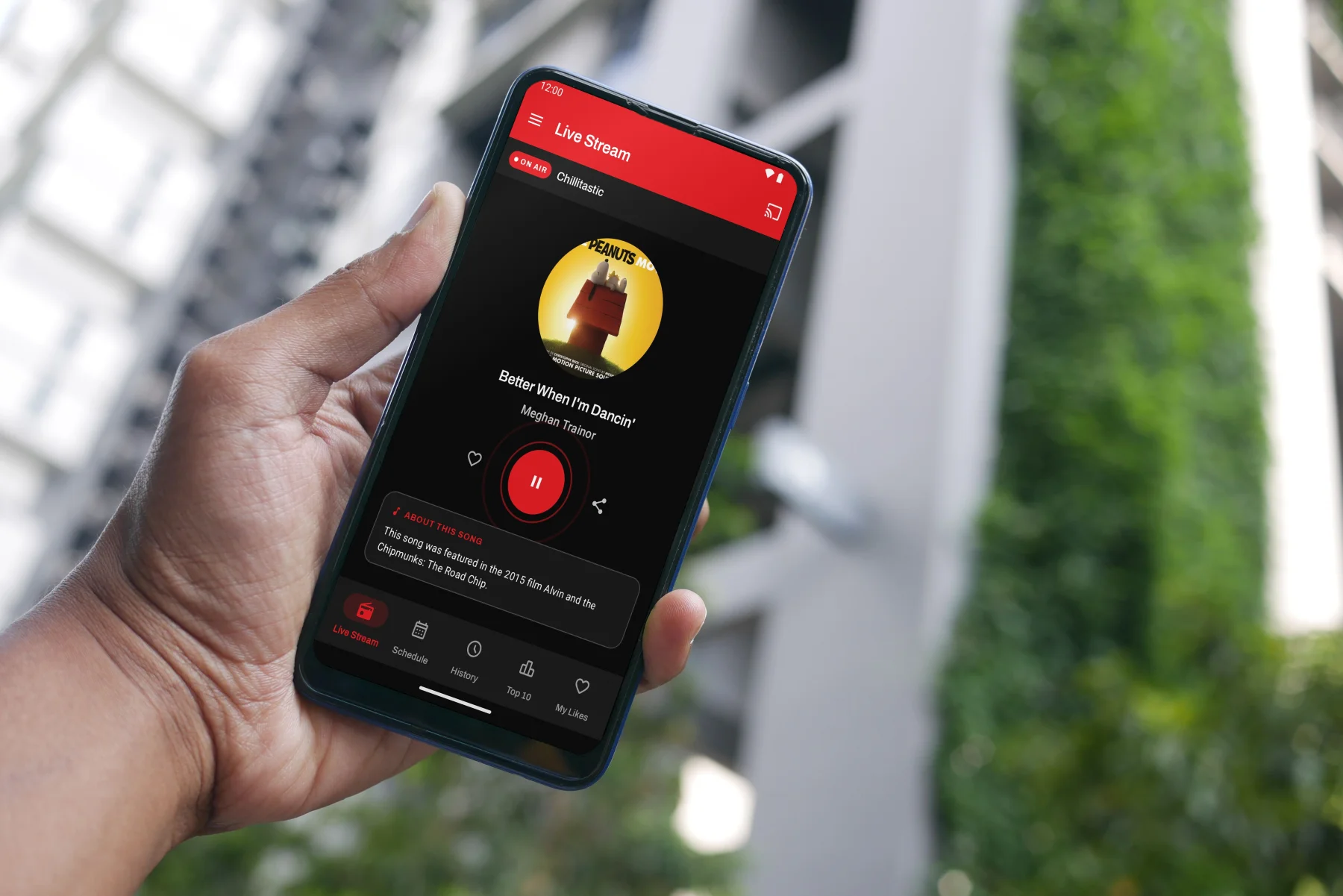
In your pocket and in your car
The free Chilli app is the easiest way to listen on the go. Tap play and you’re on.


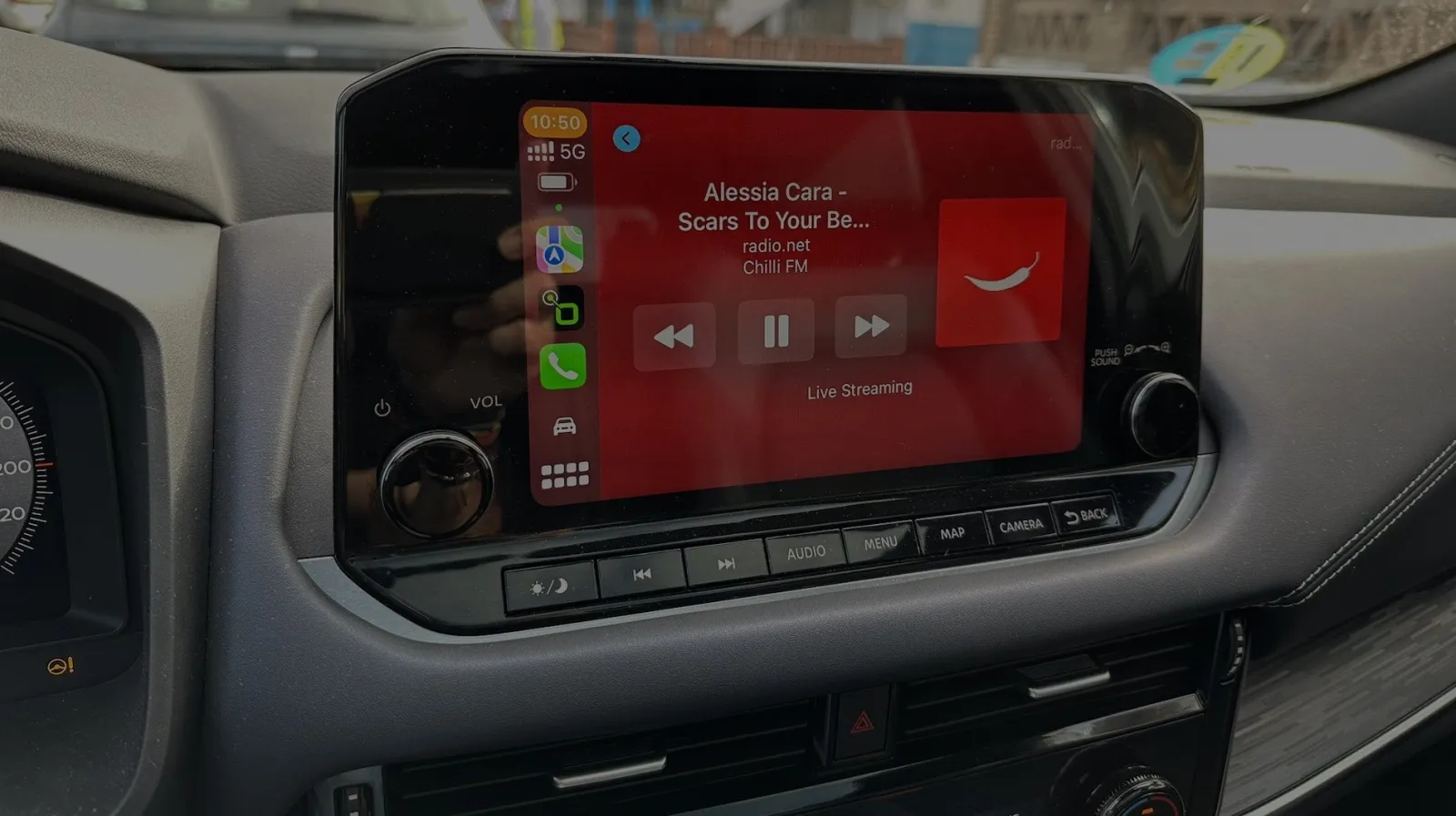
Driving?
The app works with Apple CarPlay and Android Auto, so Chilli plays straight from your dashboard screen.
Stream from any browser, no app needed
At your desk or on a laptop? Press play here, or on the player at the bottom of any Chilli page, and you’re streaming live. Nothing to install.
Prefer a radio directory? Find us on TuneIn, Streema, Radio.net, myTuner Radio, Simple Radio and Deezer.

Hands-free at home
Alexa: say “Alexa, enable Chilli FM” once, then “Alexa, open Chilli FM” any time.
Sonos: Chilli isn’t in the standard Sonos directory, but you can add it manually in under two minutes.
Fill the room with Chilli
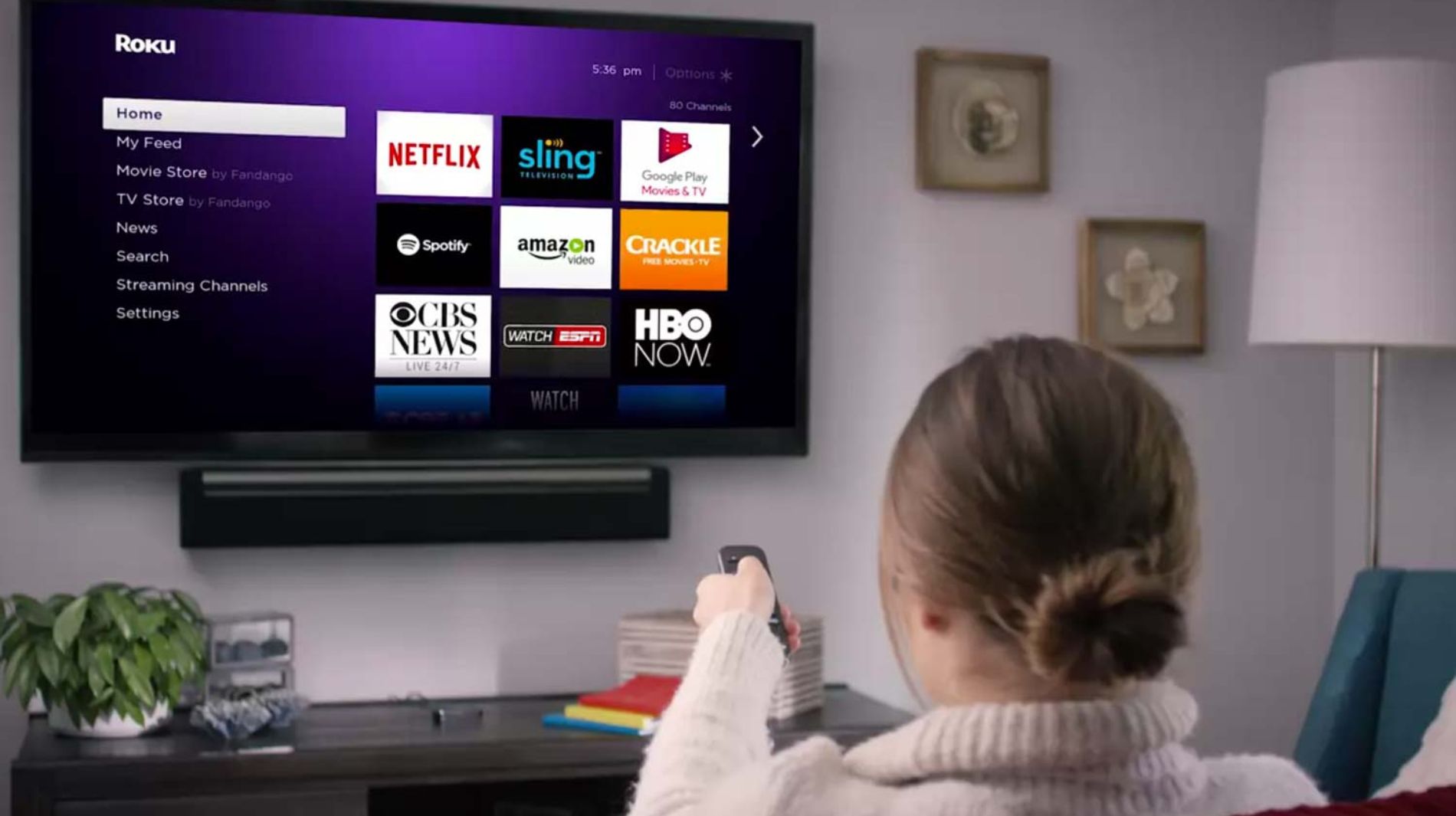
Chilli has an app for Amazon Fire TV, Roku and Android TV. Download it from your TV’s app store, press play and let it run in the background while you get on with your day.
Still stuck?
Send us a WhatsApp on 717 12 12 12 and we’ll help you get listening, on any device.