
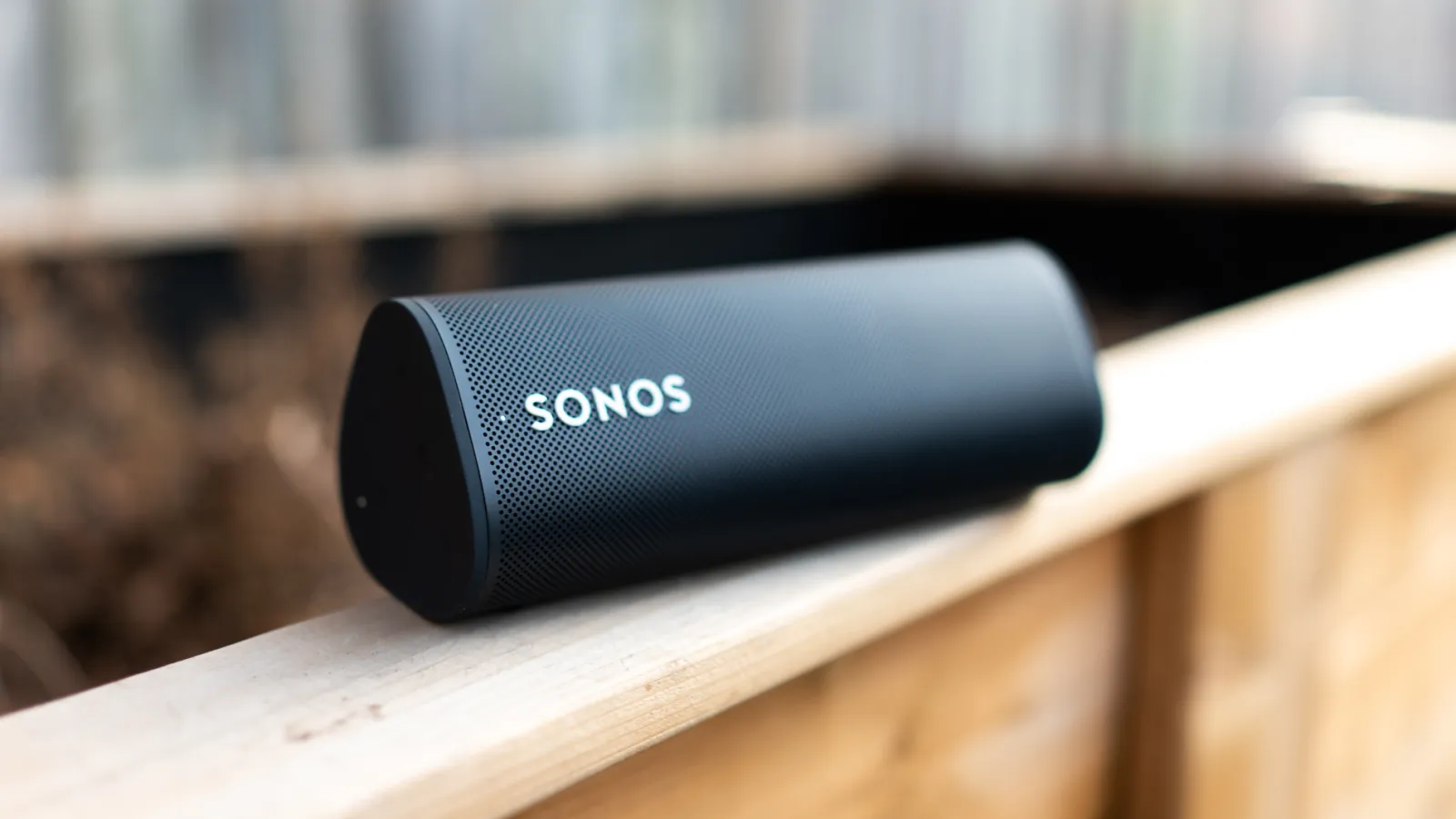
Chilli is now ready to fill your home with music through your Sonos smart speaker! While a dedicated Chilli FM Sonos app is in the works, there are two simple ways to tune in right now.
Option 1: Using the myTuner Radio App
1. Download the App
- Get myTuner Radio from the App Store or Google Play Store
2. Search for Chilli FM
- Open the app and find Chilli FM
3. Add to Favourites
- Save Chilli FM in your favourites for quick access
4. Link with Sonos
- Open the Sonos app, tap More > Add Music Services, and add myTuner Radio
5. Play Chilli on Sonos
- Go to myTuner Radio in your Sonos app, select Chilli FM, and press Play
Option 2: Add Chilli Streaming Link
1. Open Sonos App
- Launch the Sonos app on your device
2. Navigate to “Add Music Services”
- Tap More > Add Music Services
3. Choose “Add a Radio Station”
- Scroll down and select Add a Radio Station
4. Enter the Streaming Link
- Input Chilli’s streaming link (contact us to request it)
5. Save and Play
- Save Chilli in your favourites and press Play
Tips for the Best Experience
- Make sure your Sonos speaker and mobile device are on the same Wi-Fi network
- Availability may vary by geographic location
Whether through the myTuner Radio app or a direct streaming link, your Sonos speaker is now your gateway to Chilli. Let the music flow, bring Marbella’s vibes into your home, and enjoy every beat!