
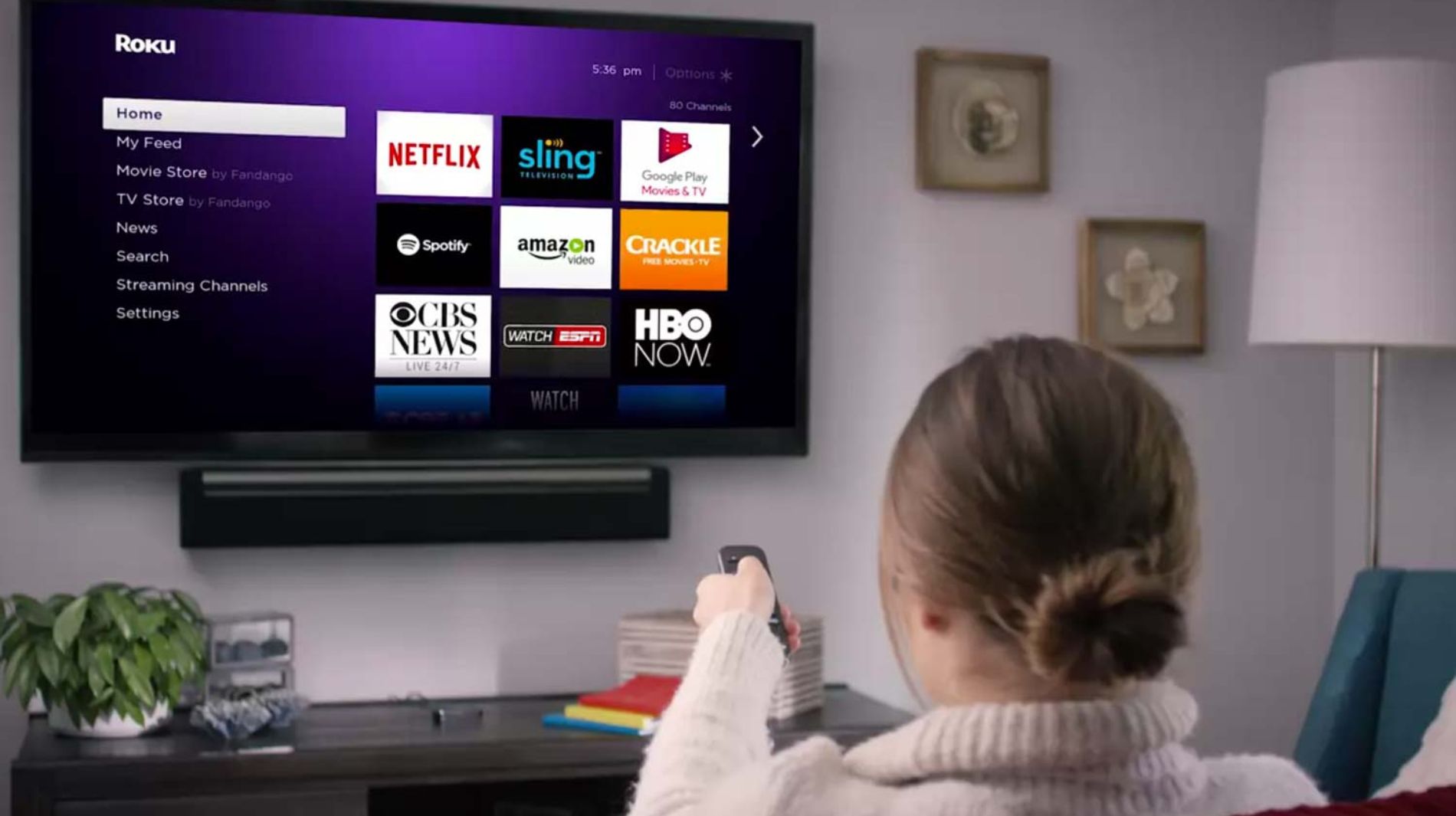
Chilli is available on Roku TV, making it easy to listen directly through your television. Follow the steps below to start streaming.
1. Open the Roku Channel Store
- Press the Home button on your Roku remote
- Select Streaming Channels
- Choose Search Channels and type Chilli FM
2. Install the Chilli FM Channel
- Select Chilli FM from the search results
- Click Add Channel to install it
3. Launch Chilli FM
- Return to your Roku home screen
- Open the Chilli FM channel
4. Start Listening
Chilli will begin streaming through your TV
Tip:
Make sure your Roku device is updated to the latest software version for the best experience.
Note:
Chilli's availability on Roku TV may vary by geographic location. An active internet connection is required.