
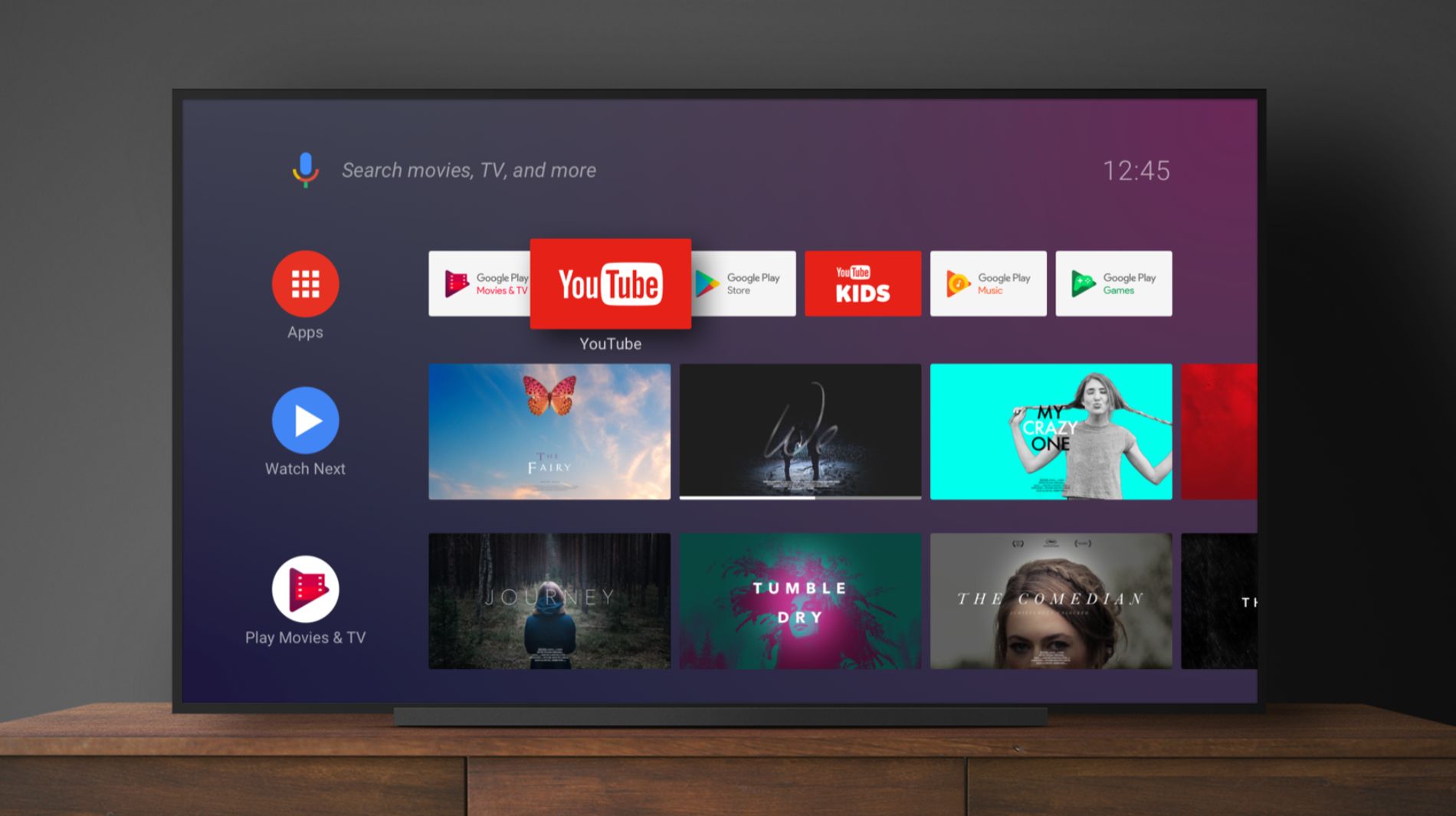
Streaming Chilli on your Android TV is simple and brings your favourite music straight into your living room. Follow these steps to get started.
1. Open the Google Play Store
On your Android TV, use your remote to navigate to Apps → Google Play Store.
2. Search for Chilli FM
- Type Chilli FM using the on-screen keyboard
- Find the app in the search results
3. Download and Install
- Select the Chilli FM app
- Click Install to download it to your Android TV
4. Launch Chilli FM
- Go to your installed apps
- Open Chilli FM to start streaming
5. Start Listening
Hit Play and enjoy music from Marbella right on your TV
6. Stay Updated
Check for app updates regularly to access new features and improvements
Note:
Availability may vary by geographic location. Ensure your Android TV is connected to the internet for the best streaming experience.